 Skip to main content
Power supply issues can lead to system instability, unexpected downtime, overheating, and damage to connected equipment if left unresolved. From voltage fluctuations and inadequate ventilation to overloaded circuits and faulty connectors, even minor PSU issues can affect overall performance and reliability.
This guide explores 10 common power supply problems and solutions, helping you identify the causes of common PSU issues and the practical steps you can take to improve power supply stability, efficiency, and long-term performance.
1. Overload Protection Triggered
Overload protection is critical in modern power supplies to prevent damage to both the power supply and the connected equipment. If excessive current draw occurs, whether due to malfunctioning internal parts or excessive loads, the system will shut down to prevent overheating or overloading circuits.
Some reasons overload protection might trigger include:
- Excessive power draw: If connected equipment demands more power than the supply can safely deliver, the protection mechanism activates.
- Ageing power supply: As power supplies degrade, efficiency decreases, which can trigger false overload signals.
- Short-circuit or internal faults: A failing component within the supply can mistakenly signal an overload condition.
- Insufficient power capacity: If additional parts are added without considering the power supply’s maximum power rating, the overload protection will engage.
To resolve this issue, you can:
- Reduce the load by disconnecting unnecessary components.
- Check the power supply rating to ensure it matches your equipment’s power requirements.
- Inspect for faults, particularly deteriorated electrolytic capacitors that could cause false overload detection.
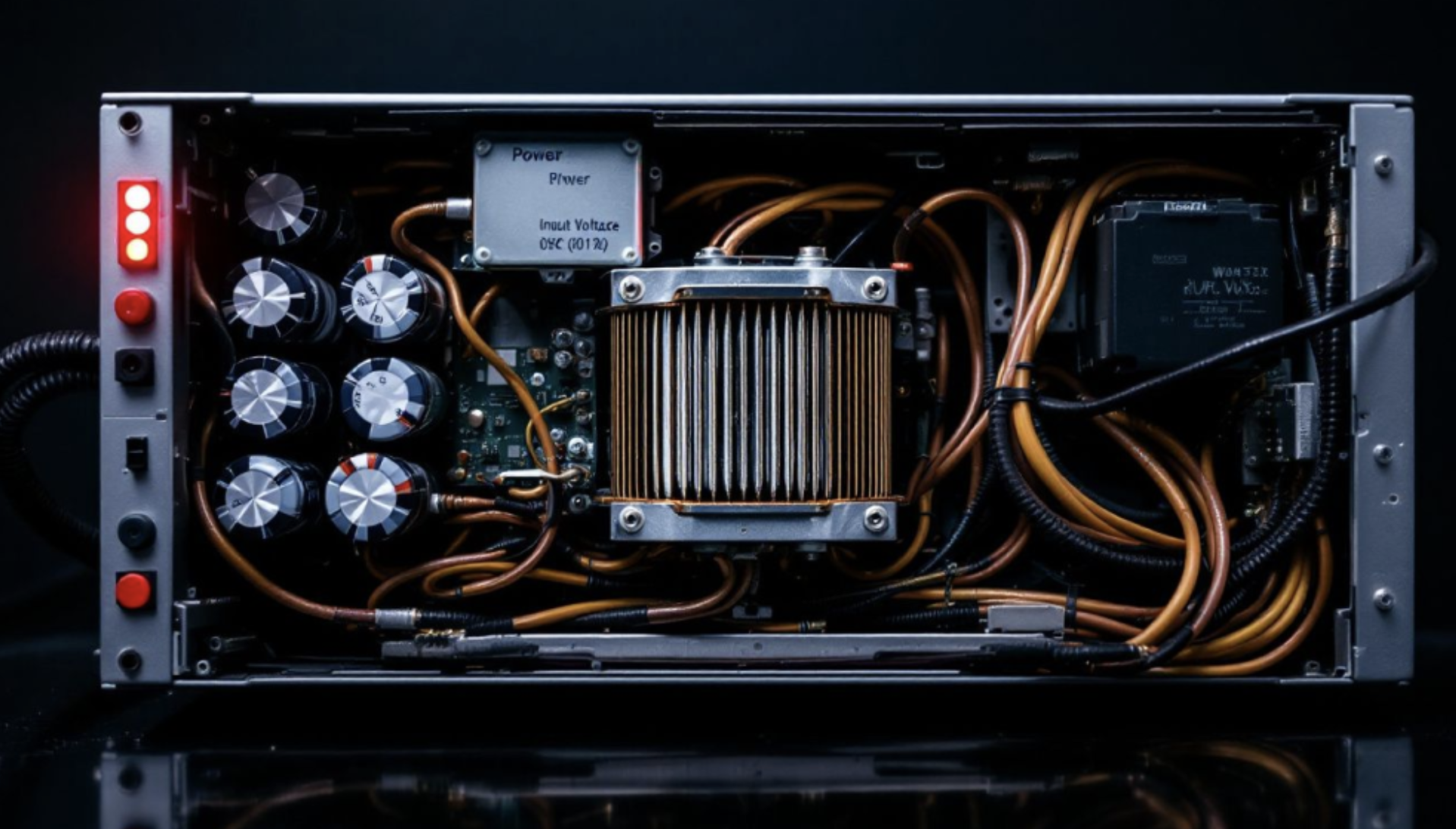
2. Short Circuit in the PSU
A short circuit within a PSU can prevent it from operating. Components such as MOSFETs or capacitors can fail, causing excessive current draw and triggering protection mechanisms.
If the PSU is activating its protective measures, it could be due to:
- Faulty electrolytic capacitors leading to leakage or internal shorts.
- Burnt or damaged switching components, such as MOSFETs.
- Electrical faults in diodes, resistors, or inductors.
To address a suspected short, visually inspect the PSU for signs of burnt or damaged parts. If possible, perform a resistance check across various parts of the circuit. However, if diagnosing the issue yourself feels daunting, it’s often safer to replace the PSU or consult a professional.
Start by examining the connected equipment for any signs of faults and reducing the power demand if necessary. Resetting or replacing blown fuses can also be helpful, as can ensuring that your power supply is rated appropriately for the load it supports.
Implementing these measures can prevent electrical fires and other hazards associated with overloading power equipment.
3. Inadequate Power Output
A power supply that fails to deliver sufficient output voltage and current can result in performance issues and repeated power failures. This can be due to an insufficient power supply rating, degradation over time, or excessive power dissipation.
Ensuring the power supply meets maximum power output requirements, verifying the output voltage, and maintaining proper ventilation to dissipate power in proportion to the load will help address this problem. Poor ventilation can contribute to overheating and excess heat buildup, leading to premature failure.
4. Electromagnetic Interference (EMI)
EMI or switching transients can cause erratic operation in power supplies and disrupt sensitive electronic equipment. This can be due to power surges, lightning strikes, inadequate shielding, or poor grounding.
Using power supplies with built-in EMI filtering, adding external EMI filters, and shielding cables can mitigate these issues and ensure stable power supply operation. Additionally, protecting against frequency variation and harmonic distortion will help maintain stable performance.
5. Loose or Faulty Connectors
Loose or faulty output connections can cause intermittent power failures, voltage drops, and data loss. These issues often arise due to worn-out connectors, improper installations, or environmental factors that degrade the quality of electrical connections over time. Poorly connected or corroded terminals can increase resistance, leading to inefficiencies and potential overheating.
To prevent such issues:
- Regularly inspect and tighten all connectors to ensure a secure fit and minimise resistance.
- Replace frayed, damaged, or corroded cables to maintain consistent electrical conductivity.
- Use secure locking connectors to prevent accidental disconnections and signal loss. In environments with high humidity or temperature fluctuations, gold-plated or corrosion-resistant connectors offer enhanced durability and reliability.
Ensuring the integrity of input current connections can:
- Minimise power sag and fluctuations that can disrupt device performance.
- Prevent system malfunctions by ensuring a steady and reliable electrical supply.
- Enhance overall system stability by maintaining a steady electrical flow. Regular maintenance checks, combined with high-quality shielded cabling, can further prevent unstable power delivery and extend equipment longevity.
6. Reversed Polarity
Incorrect polarity in an external PSU can damage components, trigger protection mechanisms, and result in system malfunction. Most electronic devices and power supplies operate with clearly defined positive and negative inputs, ensuring proper current flow and voltage regulation.
If these inputs are connected incorrectly, equipment can suffer severe damage, including board malfunction and irreversible component degradation. The risk is particularly high in power systems without built-in safeguards, as incorrect polarity can lead to excessive heat generation, short circuits, and potential electrical fires.
To prevent these issues, always check polarity markings before connecting a PSU, use power supplies with built-in protection, and implement polarity-guarded connectors. Some advanced PSUs include automatic correction mechanisms, which detect and adjust connections to prevent damage.
7. Inadequate Surge Protection
Power surges can damage internal circuits and electronic equipment if the power supply is not equipped with adequate protection. Installing devices such as transient voltage suppressors, uninterruptible power supplies (UPS), and power conditioners can help mitigate sudden voltage spikes.
Power supplies with built-in overvoltage protection ensure that excess energy is safely redirected, reducing the risk of malfunction. Without these precautions, power equipment exposed to frequent surges can degrade over time, increasing the likelihood of electrical fires and long-term failures.
Implementing protective measures at the wall socket level and using high-quality power distribution units further enhances system reliability and safeguards critical operations.
8. Frequency Variation and Utility Power Instability
Fluctuations in utility power and power supply’s normal frequency can lead to unstable output and potential failure. Frequency variation can cause system instability, affecting data processing errors and increasing the risk of power problems.
Inconsistent power can also lead to increased wear on power components, reducing the system’s overall lifespan. Choosing power supplies with constant voltage regulation helps maintain a stable output, even when input power fluctuates. Implementing frequency variation mitigation strategies such as power conditioners, uninterruptible power supplies (UPS), and voltage stabilisers can further enhance system stability.
Protecting against harmonic distortion, which can cause unwanted heating and inefficiencies in electronic circuits, is crucial for maintaining reliable performance. Ensuring an overcurrent protection device is in place can also safeguard against unexpected spikes in input current, helping prevent equipment damage and reduce downtime.
9. Environmental Factors
Harsh environmental conditions can impact power supply performance. Dust can clog ventilation, moisture can cause corrosion, and vibrations can damage internal components. Poor ventilation can lead to inefficient heat dispersion and overheating.
Installing dust filters, using IP-rated enclosures, and securing PSUs with anti-vibration mounts will help maintain long-term reliability. Power supplies rated IP67 offer complete protection against dust ingress and can withstand temporary immersion in water up to one meter deep for 30 minutes, making them suitable for harsh or outdoor environments.
Industrial environments with excessive vibration should consider using power supplies designed for heavy loads to mitigate potential disruptions.
10. Poor Ventilation and Heat Management
Excess heat in power supplies can lead to premature failure and reduced efficiency. Poor ventilation increases power dissipation issues, causing long-term damage. Proper airflow, thermal management, and positioning away from heat-sensitive components help prevent overheating.
Heat sinks, thermal pads, and forced air cooling improve heat dissipation. Power supplies with built-in thermal protection, including cutoff switches and variable-speed cooling fans, help prevent shutdowns due to high temperatures.
Placing power supplies in well-ventilated areas and using high-quality thermal paste further reduce overheating risks. Managing power dissipation and ensuring the PSU operates within its rated load extends its lifespan.
How to Choose the Right PSU for Your Application
Choosing the right PSU involves more than matching voltage and current ratings. The power supply should be suitable for the full application, including the expected load, installation environment, cooling requirements, physical space, connector type and any relevant certifications.
A poorly specified PSU can lead to recurring issues such as overheating, unstable output, nuisance shutdowns or premature failure. For commercial, industrial, medical or lighting applications, it is also important to consider whether the power supply meets the required safety, efficiency and regional compliance standards.
Where possible, allow suitable headroom so the PSU is not constantly operating at its maximum rating, and consider whether the equipment may need additional capacity in future. If you are unsure which product is suitable, Ideal Power can help you configure the right power supply for your application based on your design, specification and space requirements.
When Should You Replace a PSU?
A PSU should be replaced when it can no longer deliver stable, reliable power for the application. This may be obvious if the unit fails to power up, but in many cases the warning signs are more gradual, such as intermittent shutdowns, unstable voltage output, overheating, unusual noise, visible damage or repeated protection events.
Replacement may also be needed if the application has changed. For example, additional load, a different operating environment, updated equipment or new compliance requirements can mean the original power supply is no longer suitable.
Rather than replacing a failing unit with a like-for-like alternative, it is often better to reassess the full specification. Checking the output rating, protection features, cooling, connectors, certifications and long-term availability helps ensure the replacement PSU resolves the underlying issue and supports reliable operation over time.
Why Choose Ideal Power?
Choosing the right PSU can help prevent many common power supply issues before they occur. Ideal Power supports businesses with a wide range of power supply solutions, including external power supplies, internal PSUs, DC/DC converters, LED drivers and battery chargers.
Our team can help identify a suitable power supply based on your application requirements, including output rating, connector type, compliance needs, operating environment and long-term availability. Whether you need a standard product or support with a more specific requirement, Ideal Power can help you find a reliable solution for your equipment or project.
Summary
Common power supply problems such as power disruptions, voltage fluctuations, and overheating can impact operations and shorten equipment lifespan. Preventive measures, including EMI shielding, proper ventilation, and regulated power supplies, help maintain stable performance and mitigate these risks.
Routine inspections, such as checking wiring integrity, managing load distribution, and replacing aging components, prevent unexpected malfunctions. High-quality internal power supply solutions with built-in safety features like overcurrent protection, reversed polarity safeguards, and thermal management improve system reliability.
Proactive power management minimises downtime and ensures continuous operation. Investing in reliable power solutions and maintaining regular monitoring protects systems from unexpected breakdowns and sustains long-term performance.
Frequently Asked Questions
What can voltage fluctuations affect?
Voltage fluctuations can adversely impact electronic equipment, leading to potential malfunctions or damage. It’s essential to address the underlying causes of power problems, like power surges or faulty wiring, to ensure stability.
How can you determine if your power supply is underpowered?
To determine if your power supply is underpowered, use an online PSU wattage calculator to assess your system’s power requirements and compare that to your power supply’s capacity. If the capacity is lower than utility power is, your power supply may be inadequate for your needs.
Can I use my PSU in harsh environments (e.g., high temperatures, moisture)?
Yes, but you must choose a PSU rated for such conditions. Look for PSUs with IP ratings for protection against dust and moisture (e.g., IP67 for waterproof). Consider PSUs with higher temperature ratings or additional cooling features if operating in environments with extreme temperatures.
Why is my PSU not working with certain loads?
Compatibility issues can arise if the PSU is not designed to handle specific load types. For example, certain PSUs may not be compatible with inductive loads or loads that require high startup currents. Ensure that your PSU is rated to support your specific load type, and check for any settings or features (like current limiting or overload protection) that may need adjustment.
